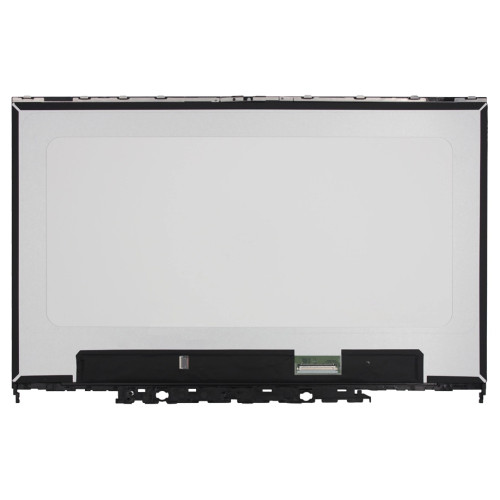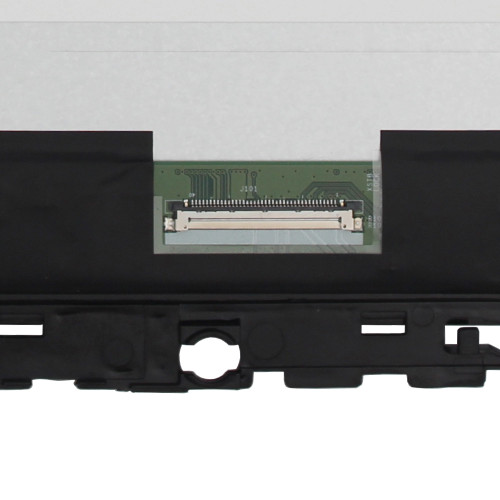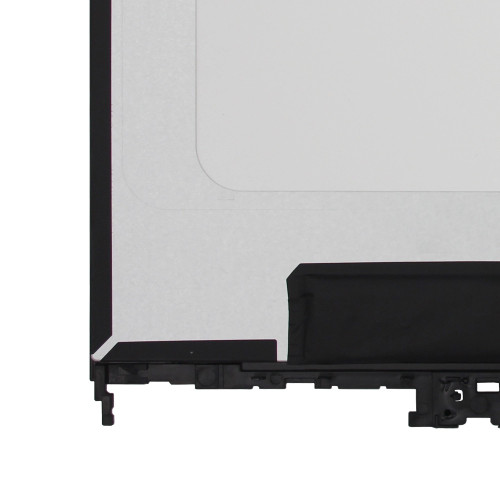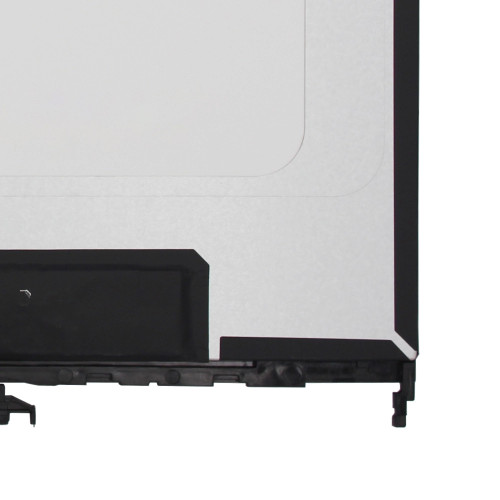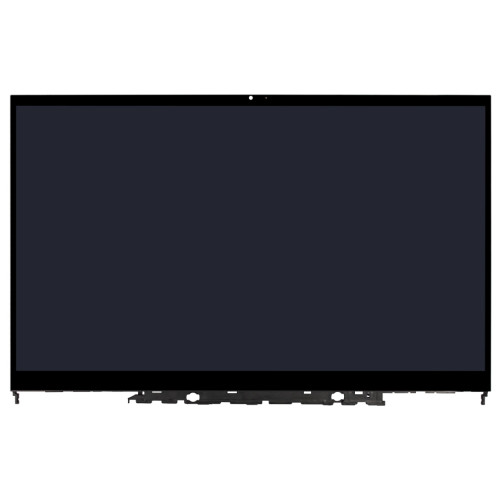
Dell Inspiron 14 5410 7415 2-in-1 P147G P147G001 LCD touch screen display assembly

SKU: LT-10028289 In Stock
US $95.00
Model P147G
Resolution 1920(RGB)×1080, 16:9, FHD
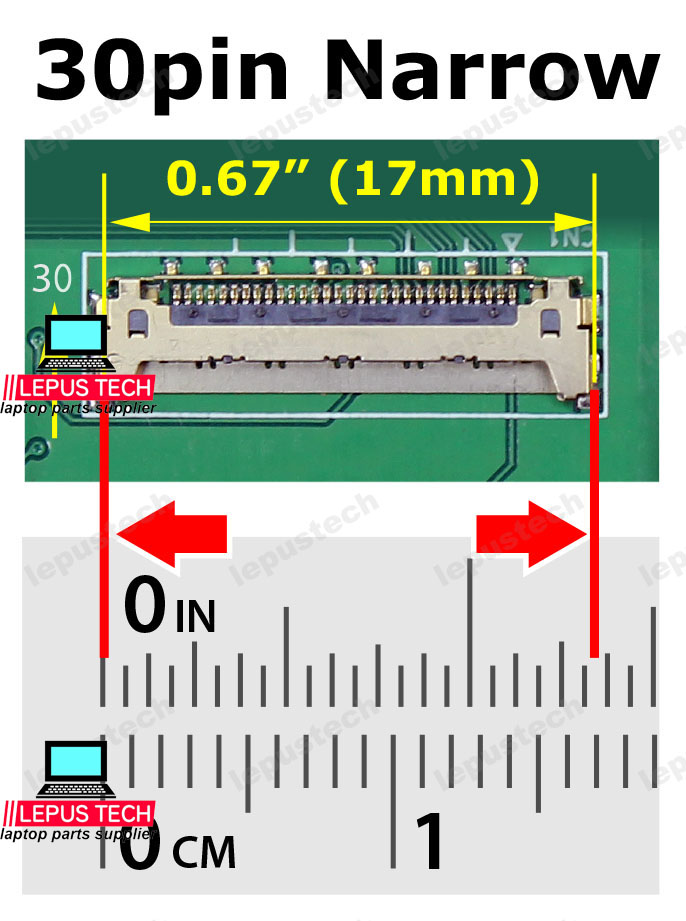
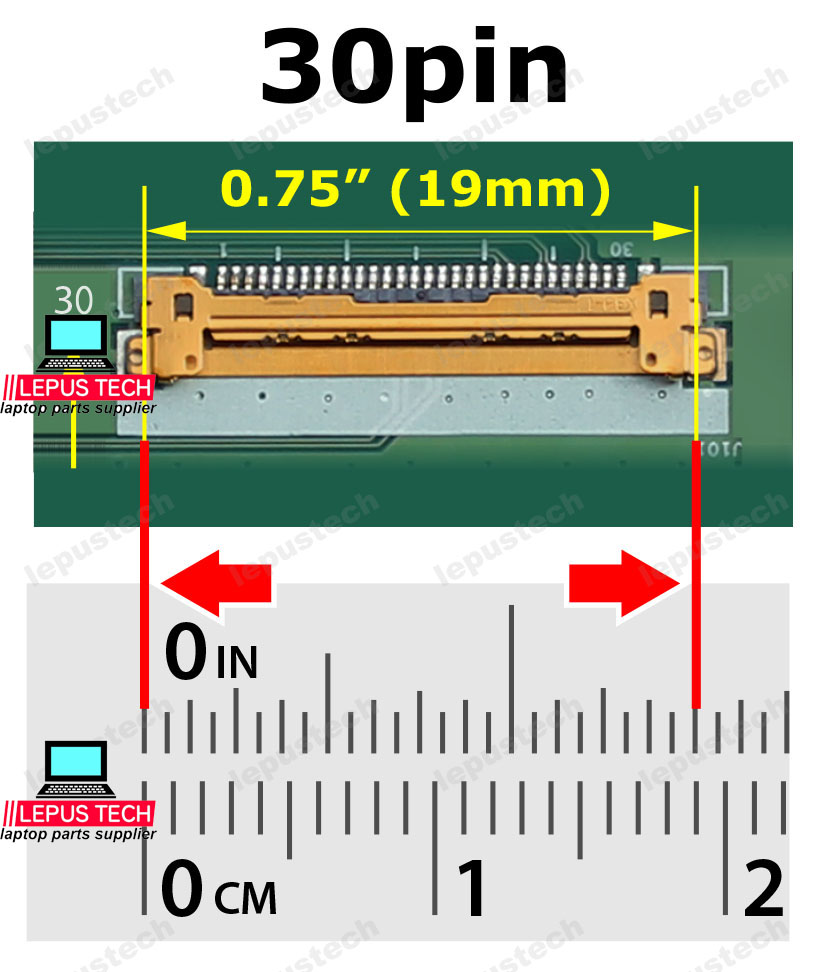
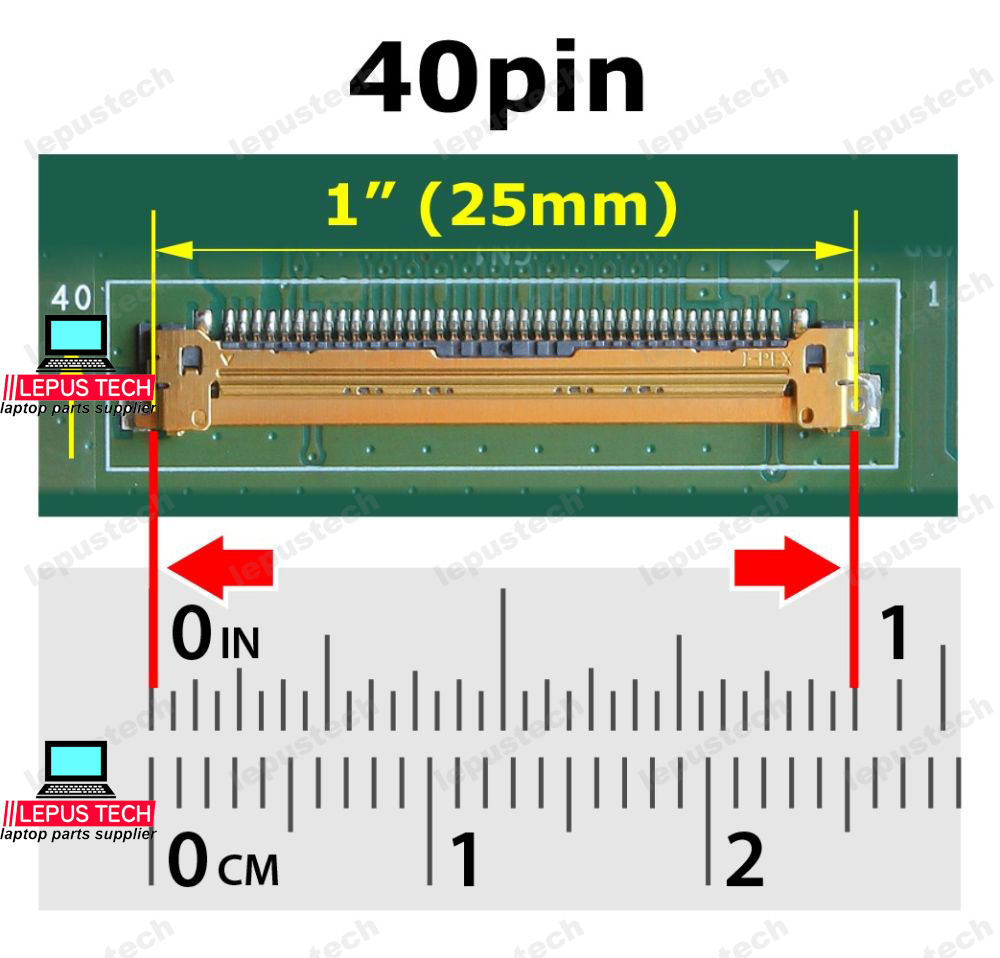
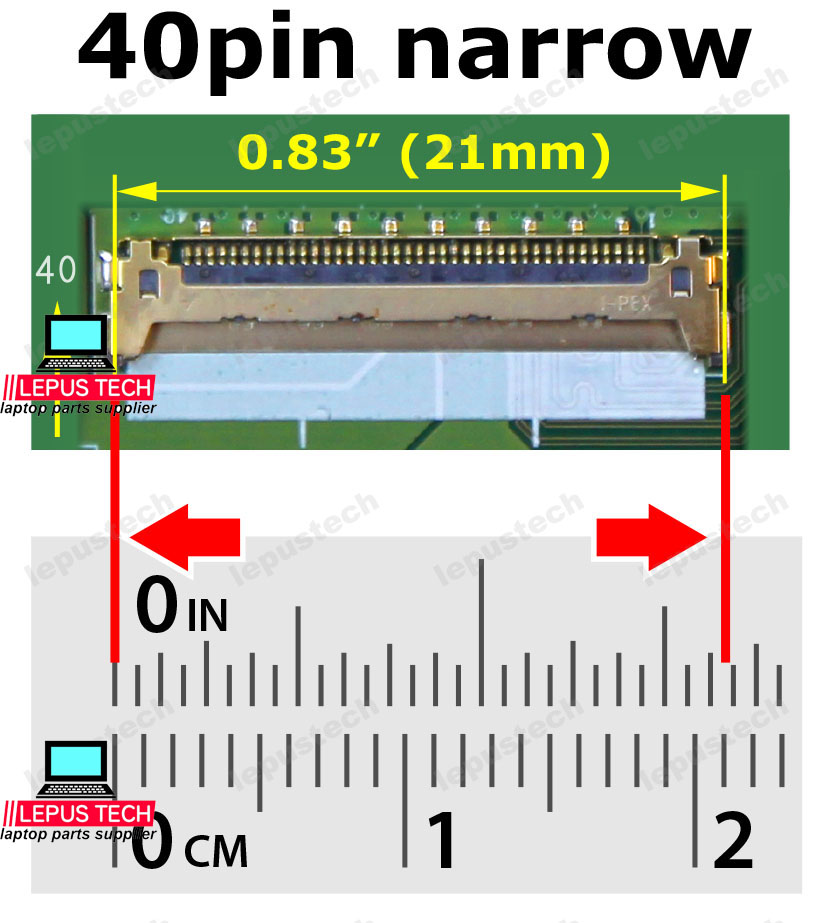
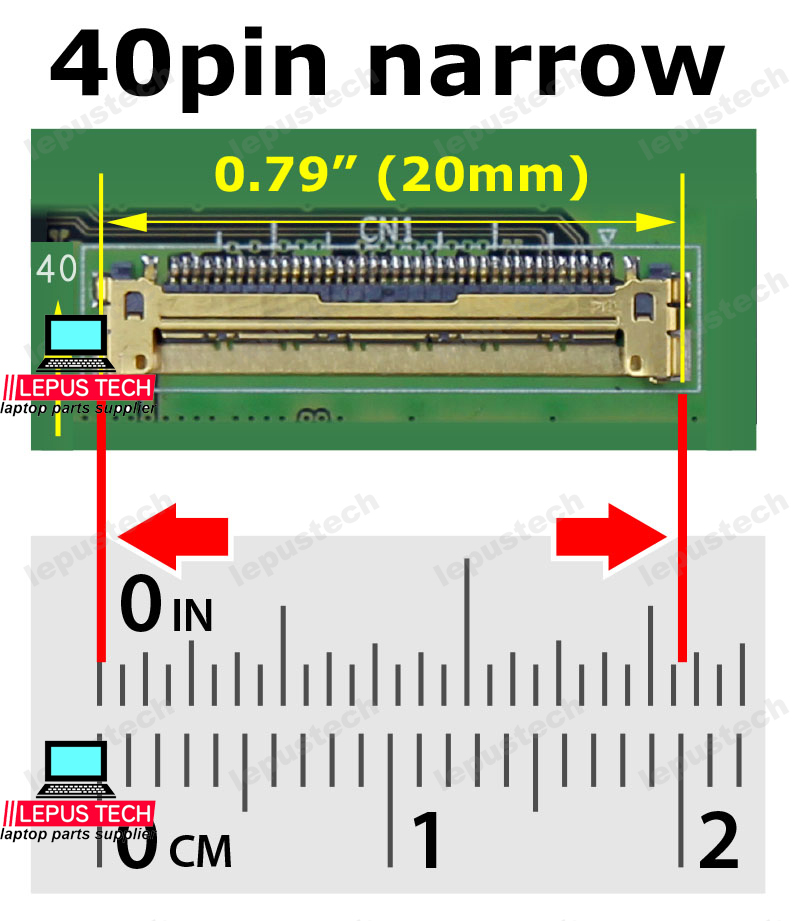
Connector EDP 40 pin
Condition: New Grade A+
Delivery:
  • Send compatible model per info.
  • Same part number in stock sent first.
  • Note if exact part number needed when ordering.
Location: shenzhen,China

Size:14.0"

Resolution:1920(RGB)×1080, 16:9, FHD

Backlight:WLED

Connecter:EDP 40PIN

Compatible

Compatible models

Dell Inspiron 14 5410 2-in-1

Dell Inspiron 14 7415 2-in-1

P147G

P147G001

⚠️ Resolution Compatibility Check
Ensure your laptop's GPU and cable support the resolution of this screen. Using a higher resolution than supported may result in no display or distorted image.
Check your current resolution in Display Settings and verify with your laptop's specifications.
LCD screen quality testing

100% Tested – Including Resolution & Refresh Rate

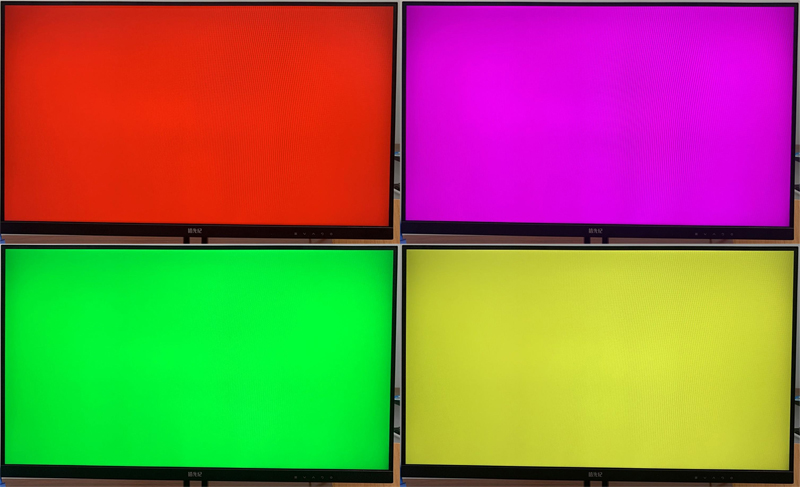
Every LCD panel is fully inspected for dead pixels, backlight uniformity, color accuracy, and native resolution & refresh rate verification to ensure it matches the stated specifications. We test each unit to guarantee it performs flawlessly at its designed resolution.

Resolution validation Refresh rate stability Color calibration

LCD Resolution Guide – Choose the Right One for Your Needs

Understand how resolution impacts your daily work, creativity, and gaming experience

1 Check Your Current Resolution & Usage

Windows Display Settings

Go to Settings → System → Display → Advanced Display to see your current resolution and refresh rate. This tells you what your laptop is capable of.

Identify Your Main Tasks

Are you mostly office work / web browsing, photo/video editing, gaming, or professional design? Your usage determines the optimal resolution.


2 Match Resolution to Your Use Case

Resolution Common Abbr. Best For Notes
1366×768HDBasic office, browsing, older laptopsLowest cost, limited workspace
1920×1080FHD (1080p)General use, everyday work, light gamingMost common, good balance
2560×1440QHD (2K)Content creation, professional photo editing, high-end gamingSharper images, more screen real estate
3840×21604K UHDVideo editing, 3D design, detailed CAD, premium gamingExtreme detail, requires powerful GPU
1920×1200 / 2560×1600WUXGA / WQXGAProductivity (16:10 aspect)More vertical space for documents

Always check your laptop's maximum supported resolution and cable/GPU compatibility.


3 Other Important Factors

Connector & Cable

EDP vs LVDS, pin count, and pitch must match – even if resolution is correct.

Refresh Rate

Higher Hz (120Hz+) for gaming/smooth scrolling, 60Hz for office work.

Brightness & Color

300+ nits for indoor, 400+ for outdoor; 72% NTSC for color-critical work.

Surface & Touch

Matte (anti-glare) vs Glossy; touch requires special digitizer.

Not sure which resolution suits you? Tell us your laptop model and primary usage — we'll recommend the best fit! Contact us →